Fighter guides, controls help and bout notes
CLT Panel Guides
Settings notes from the test desk: sensitivity families explained one at a time, DPI without the folklore, and fixes for the days the panel sulks. Every note is written from sessions on real phones.
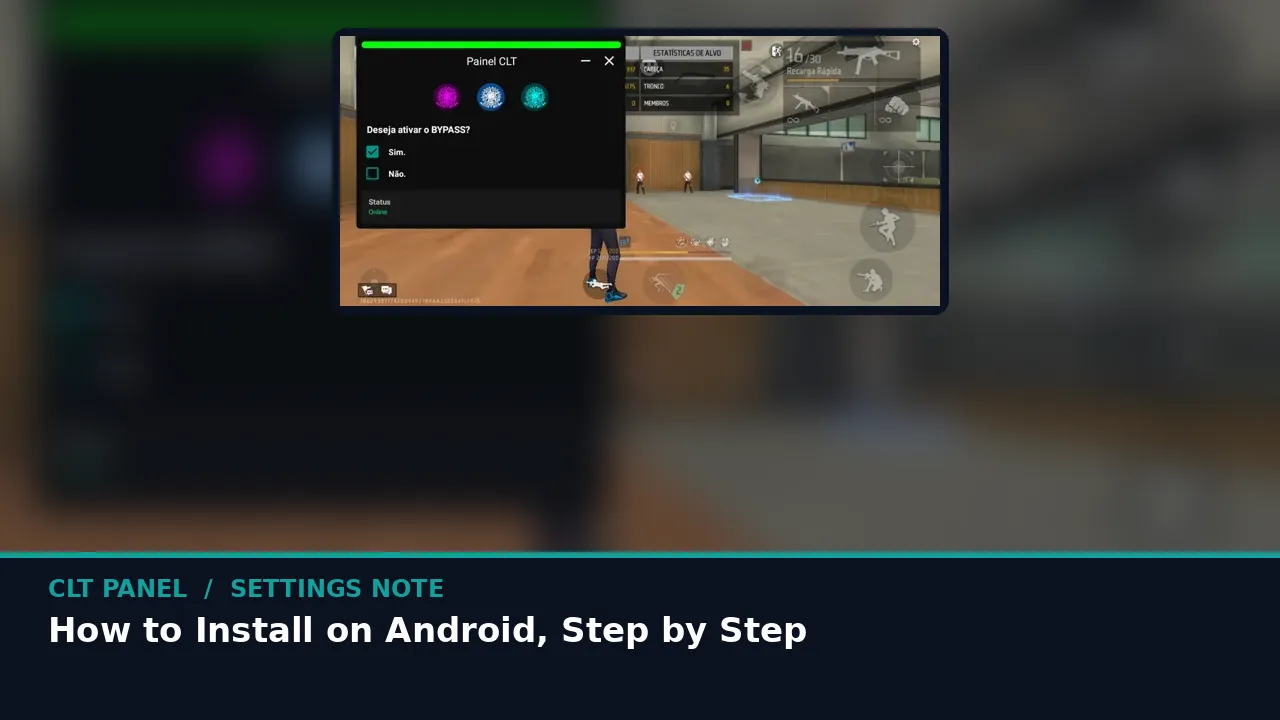 Guide How to Install CLT Panel on Android, Step by Step The calm way to install the CLT Panel APK: fetch the file, allow the install, grant the display permission and reach your first calibration in minutes. Read guide →
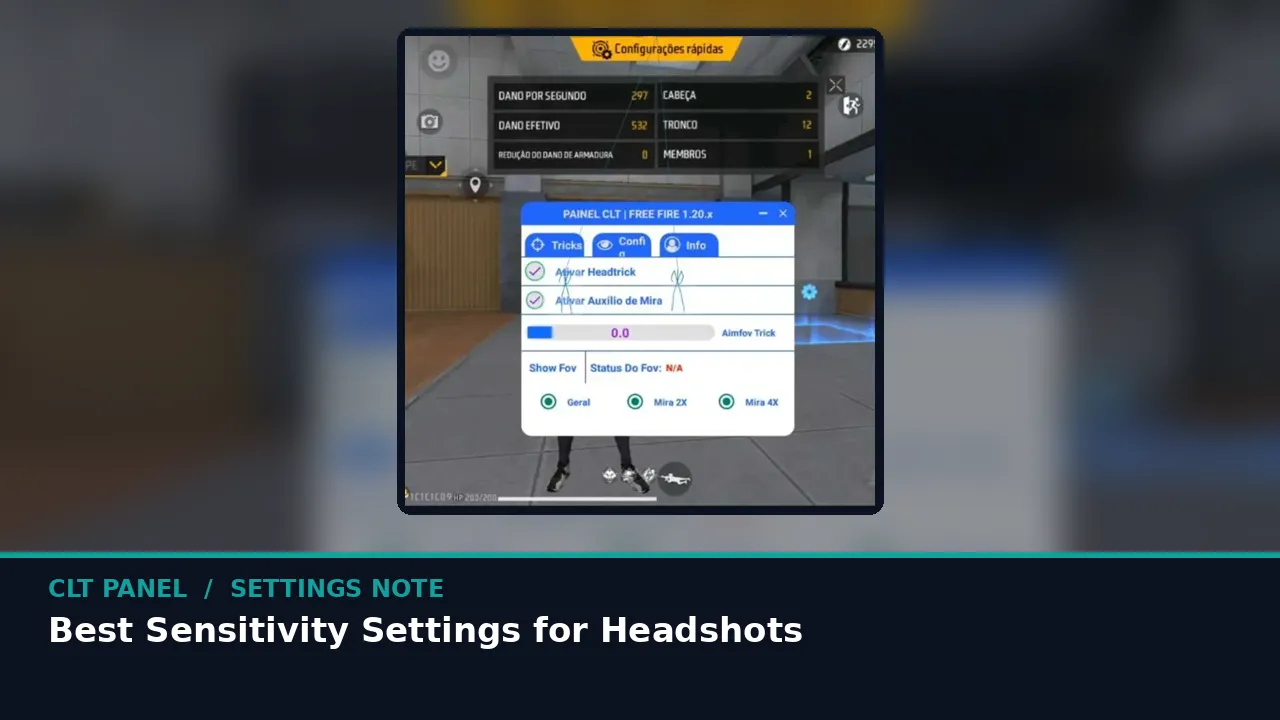 Guide Best CLT Panel Sensitivity Settings for Headshots How to walk the five sensitivity families in CLT Panel until your drag stops at head height, with a training ground routine that actually sticks. Read guide →
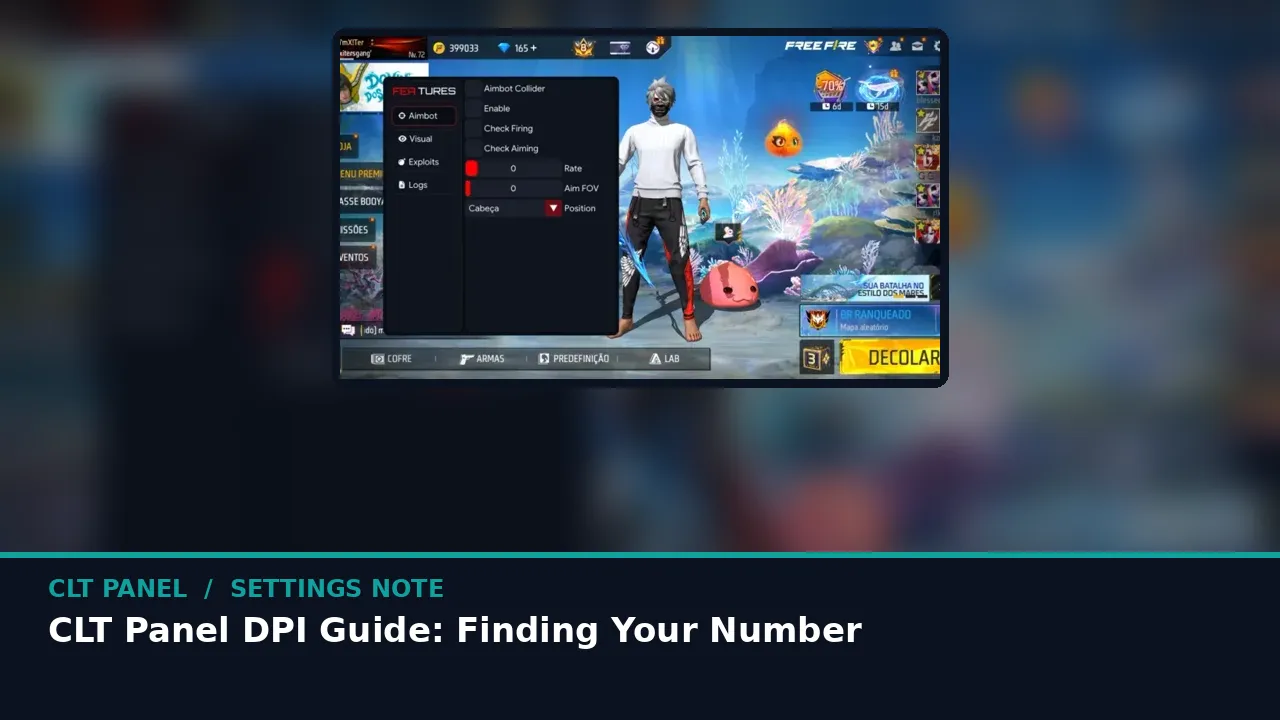 Guide CLT Panel DPI Guide: Finding Your Number What DPI really changes in Free Fire, how the CLT Panel switcher works, and how to find the value your thumb has been asking for. Read guide →
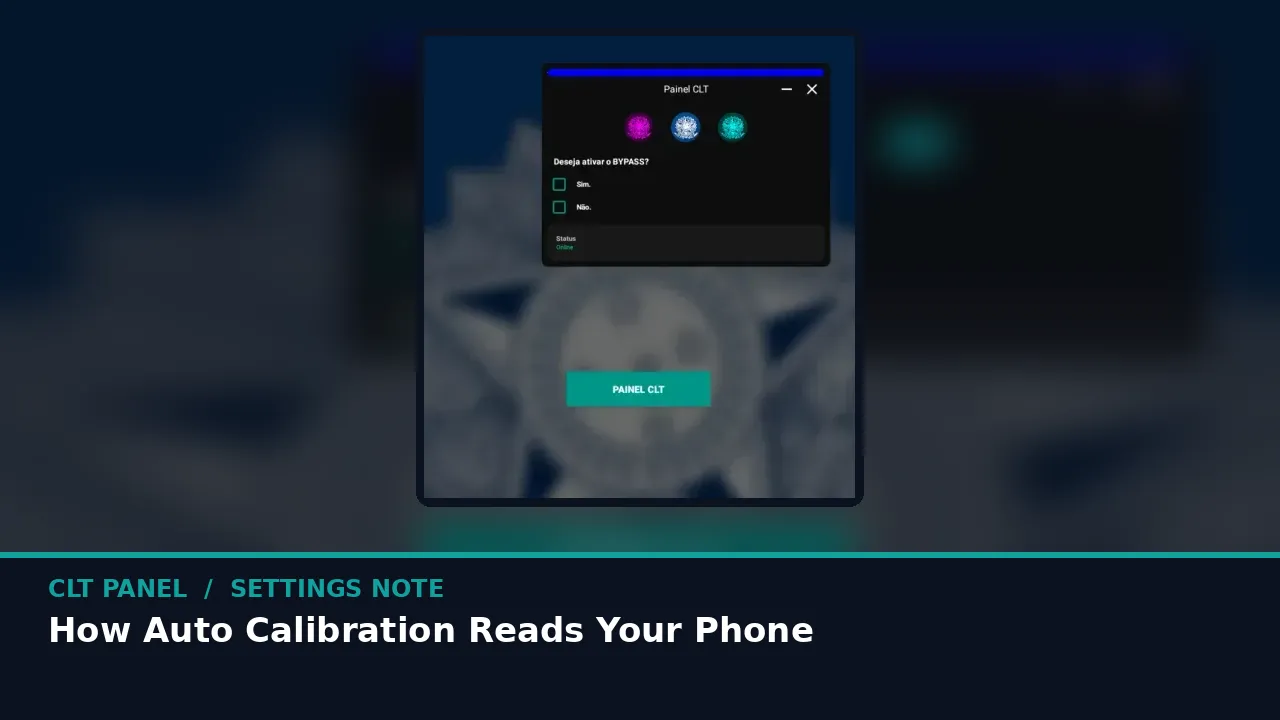 Guide How CLT Panel Auto Calibration Reads Your Phone Inside the one tap preset: what the panel measures, what it sets, and where your hand should still overrule the machine. Read guide →
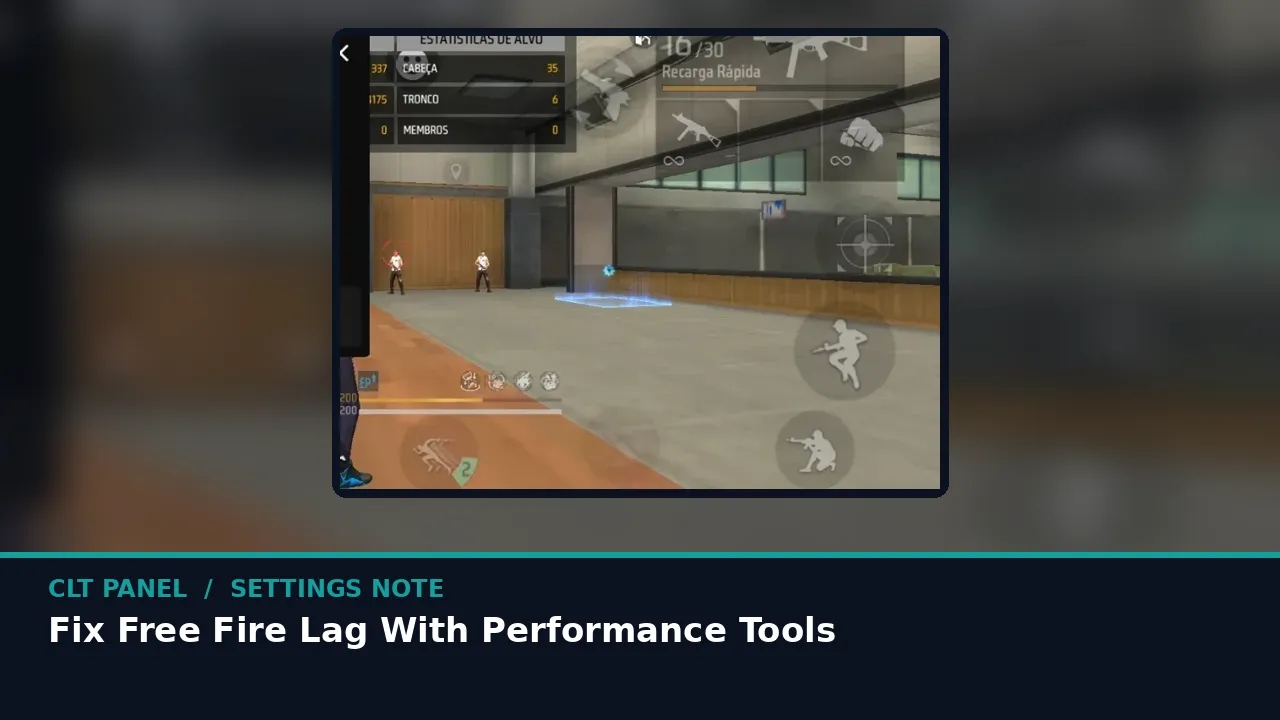 Guide Fix Free Fire Lag With CLT Panel Performance Tools The device side of lag, fixed in order: RAM purge, cache, heat and frame balance, using the performance side of CLT Panel. Read guide →
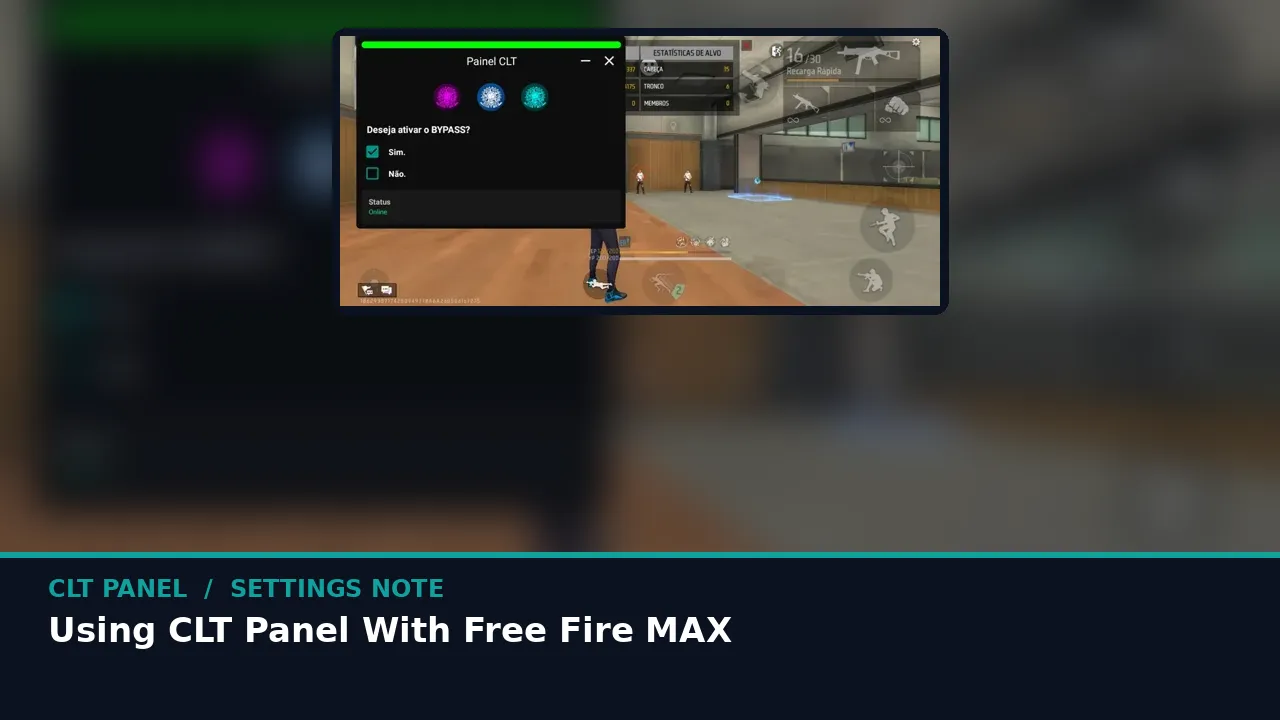 Guide Using CLT Panel With Free Fire MAX Free Fire MAX asks more of your phone than the standard build. Here is how the panel setup shifts when the heavier game is your main. Read guide →
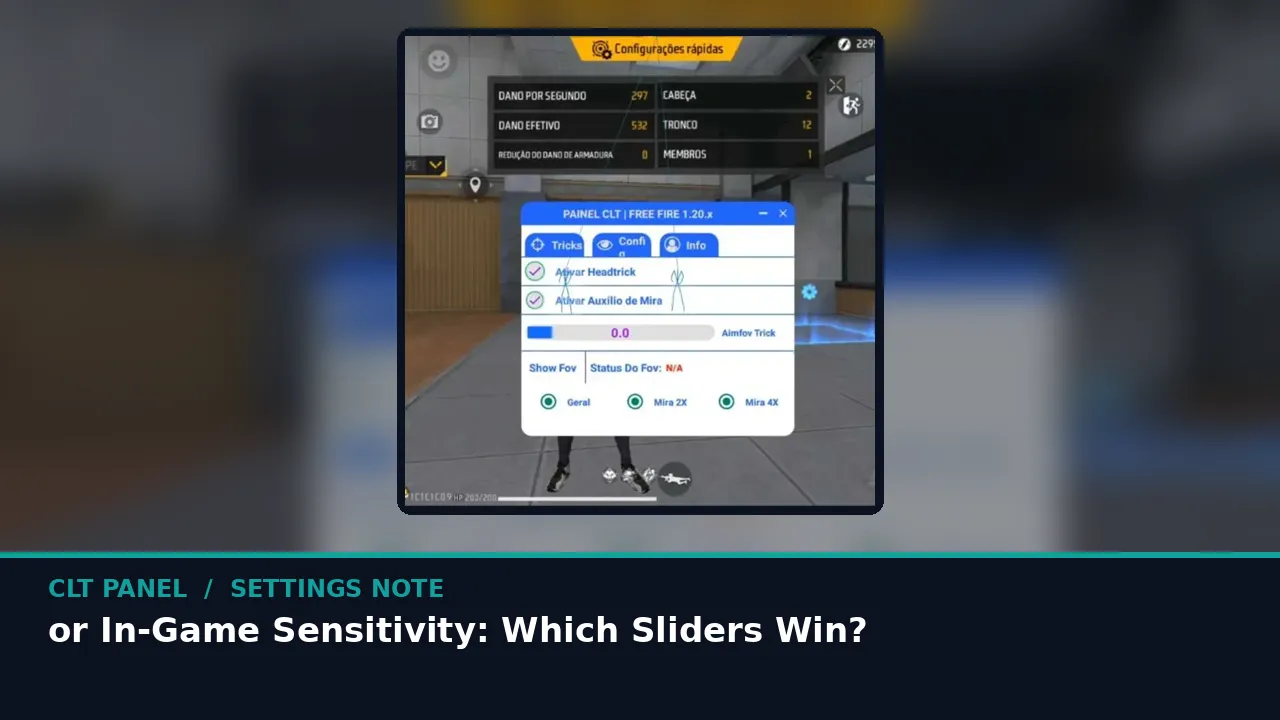 Guide CLT Panel or In-Game Sensitivity: Which Sliders Win? The game gives you six sliders and the panel gives you a deck. What each layer actually controls, and how to stop them fighting each other. Read guide →
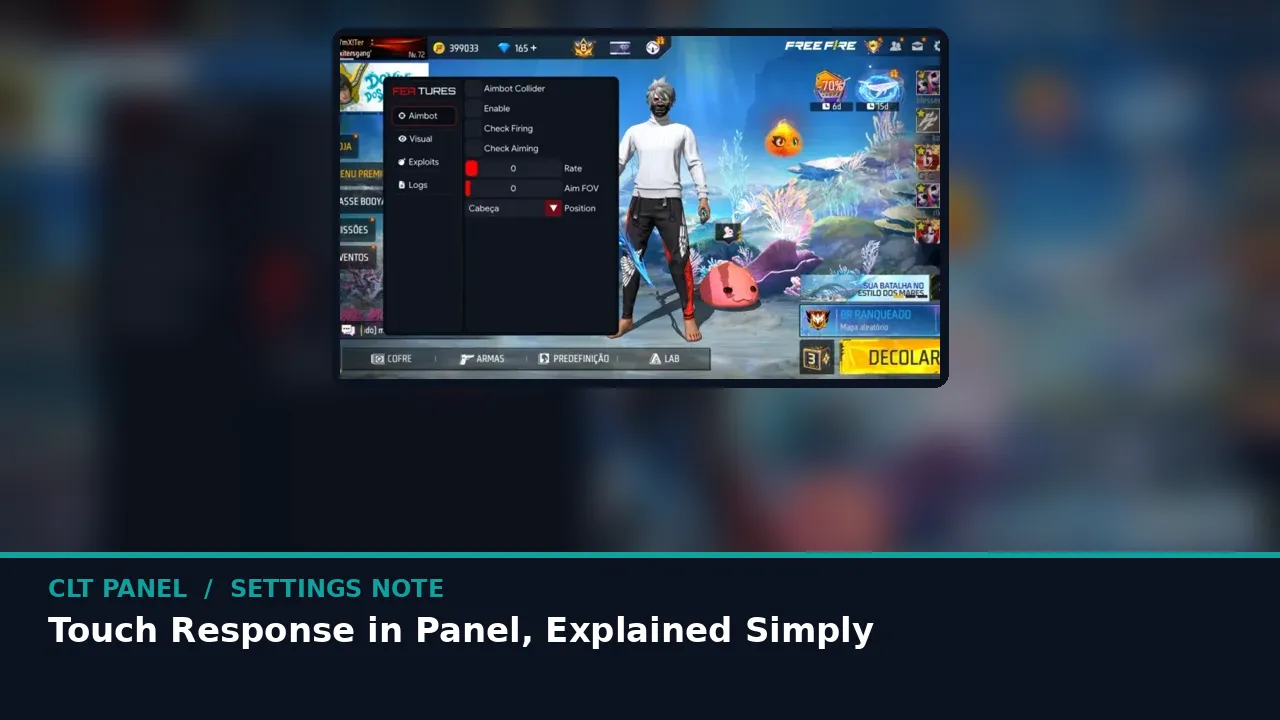 Guide Touch Response in CLT Panel, Explained Simply Why your fire button sometimes feels a half second behind your thumb, and what the panel touch calibration can and cannot trim. Read guide →
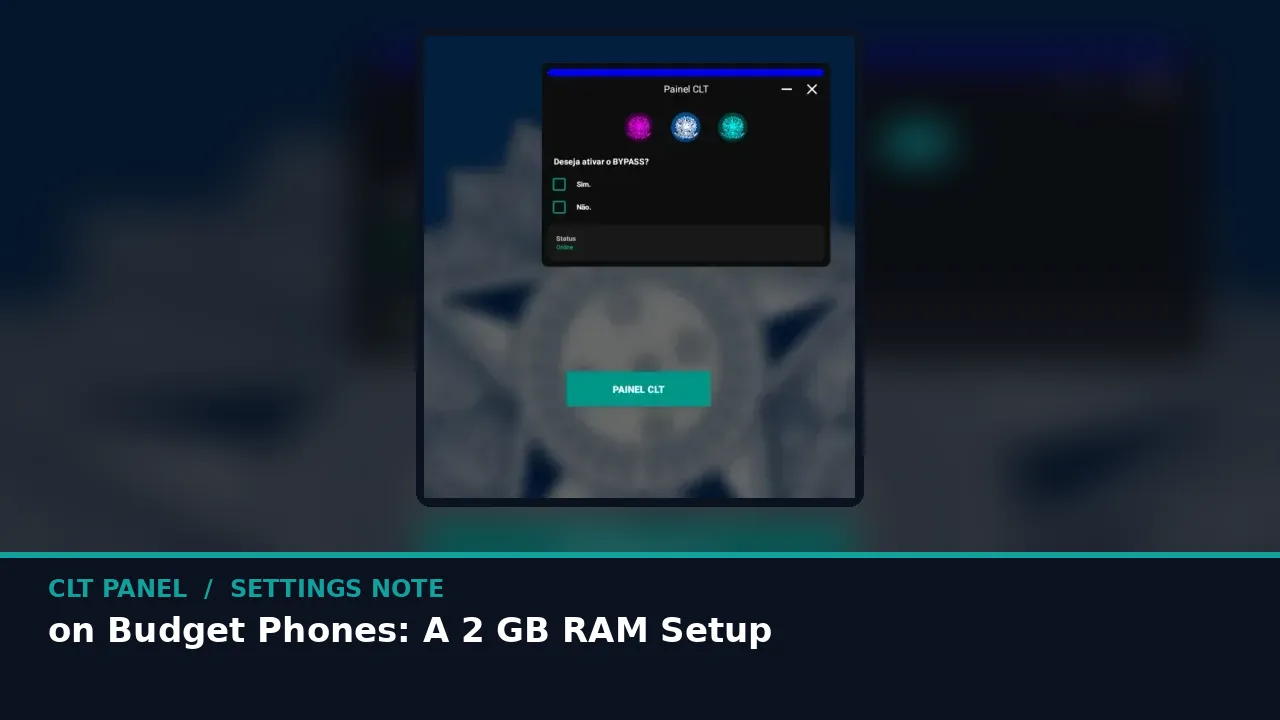 Guide CLT Panel on Budget Phones: A 2 GB RAM Setup The panel was born on budget hardware. A complete setup order for 2 GB RAM phones that keeps Free Fire smooth and aim honest. Read guide →
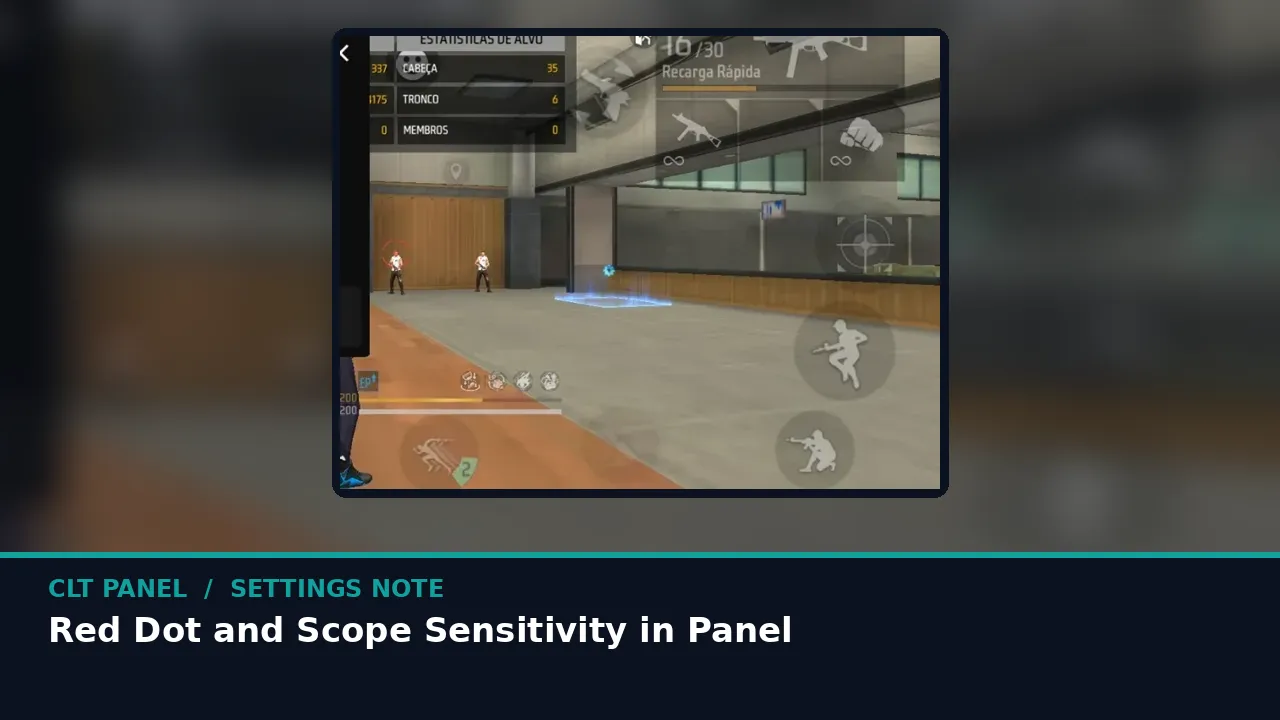 Guide Red Dot and Scope Sensitivity in CLT Panel Ten metre fights are won on red dot. A focused walk through red dot, 2x and 4x values and the distances that should judge them. Read guide →
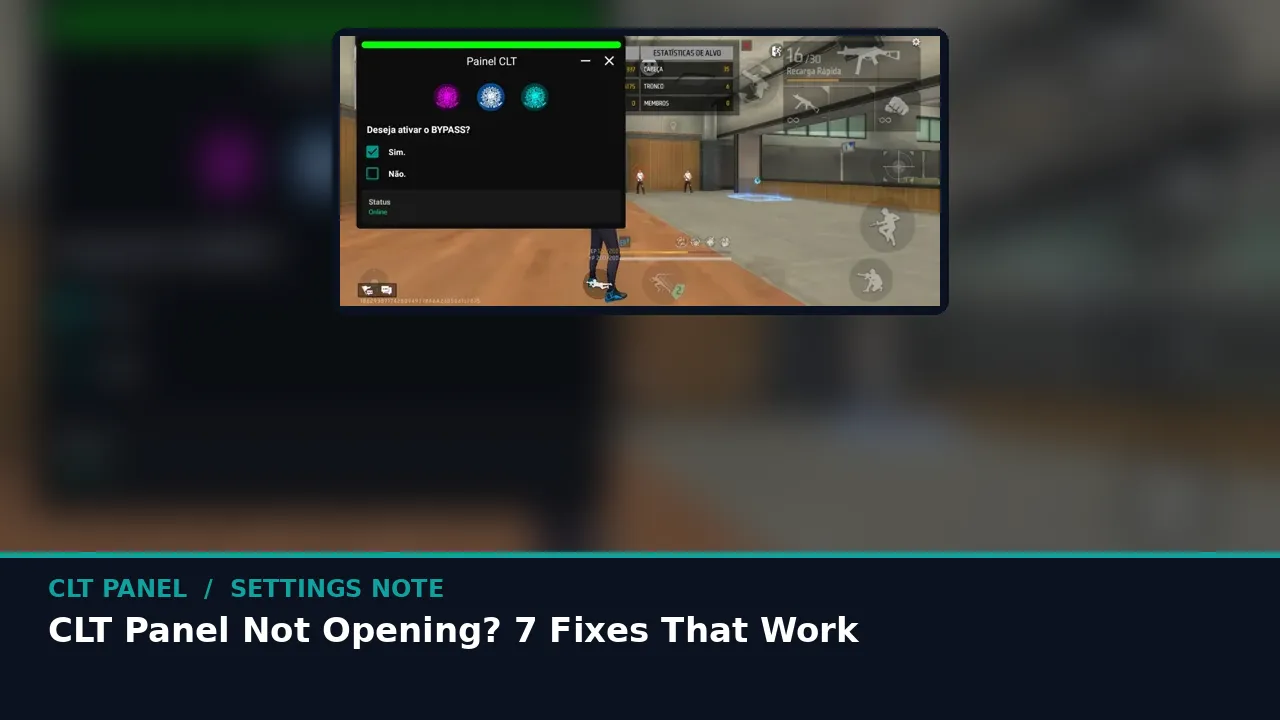 Guide CLT Panel Not Opening? 7 Fixes That Work When the panel will not start, opens and closes, or loses its window, work this list in order before you reinstall anything. Read guide →
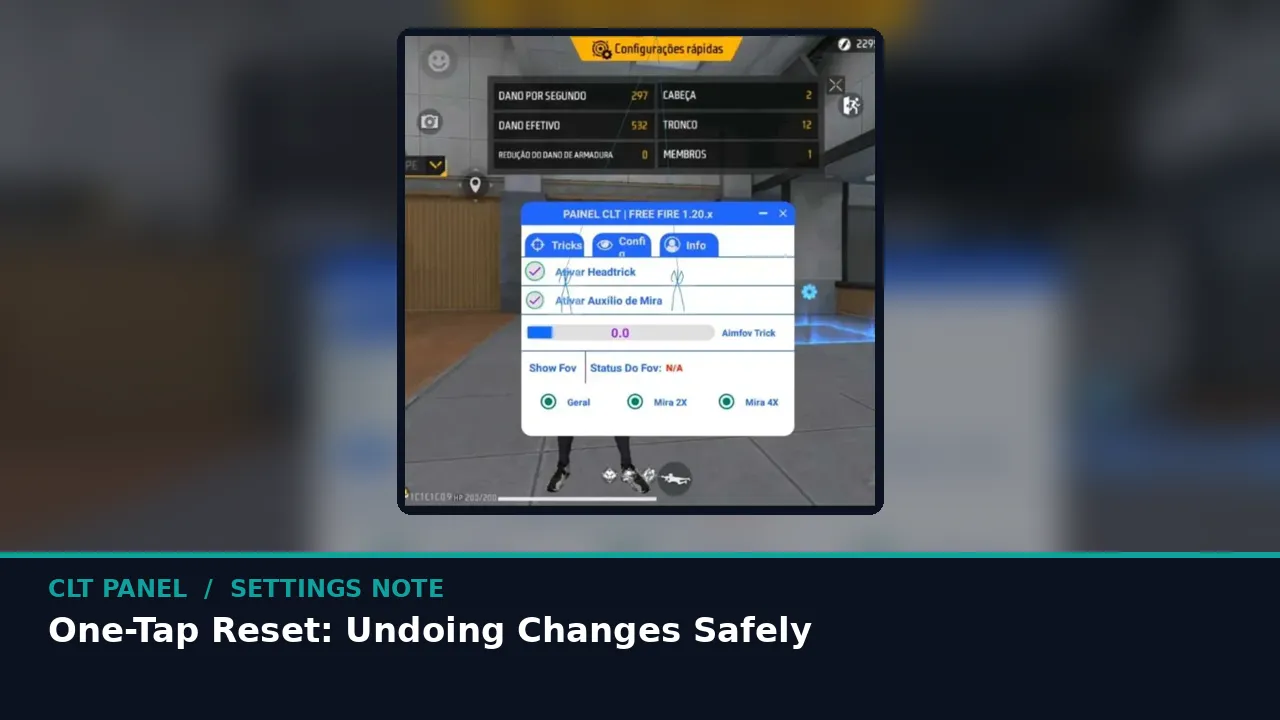 Guide One-Tap Reset: Undoing CLT Panel Changes Safely The most underrated button in the panel. What reset restores, when to use it without fear, and why it makes experimenting free. Read guide →
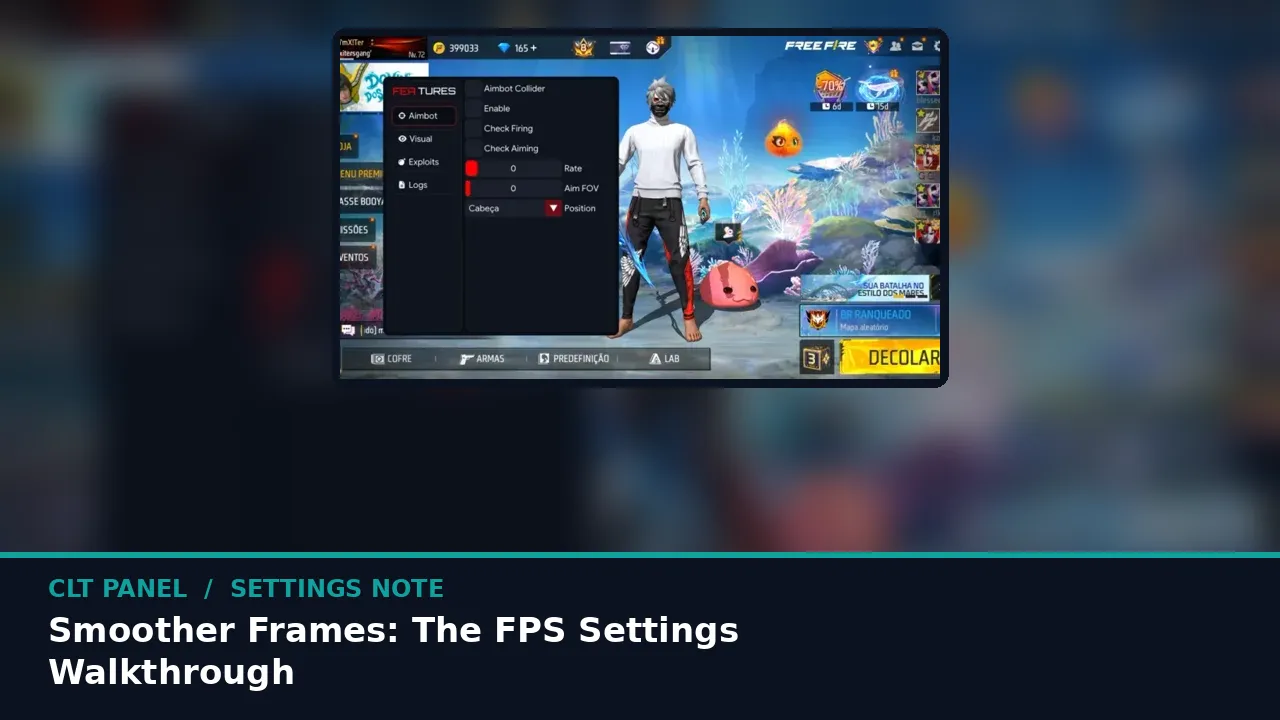 Guide Smoother Frames: The CLT Panel FPS Settings Walkthrough Peak numbers impress screenshots; even frames win fights. How to set the performance side of the panel for steadiness first. Read guide →
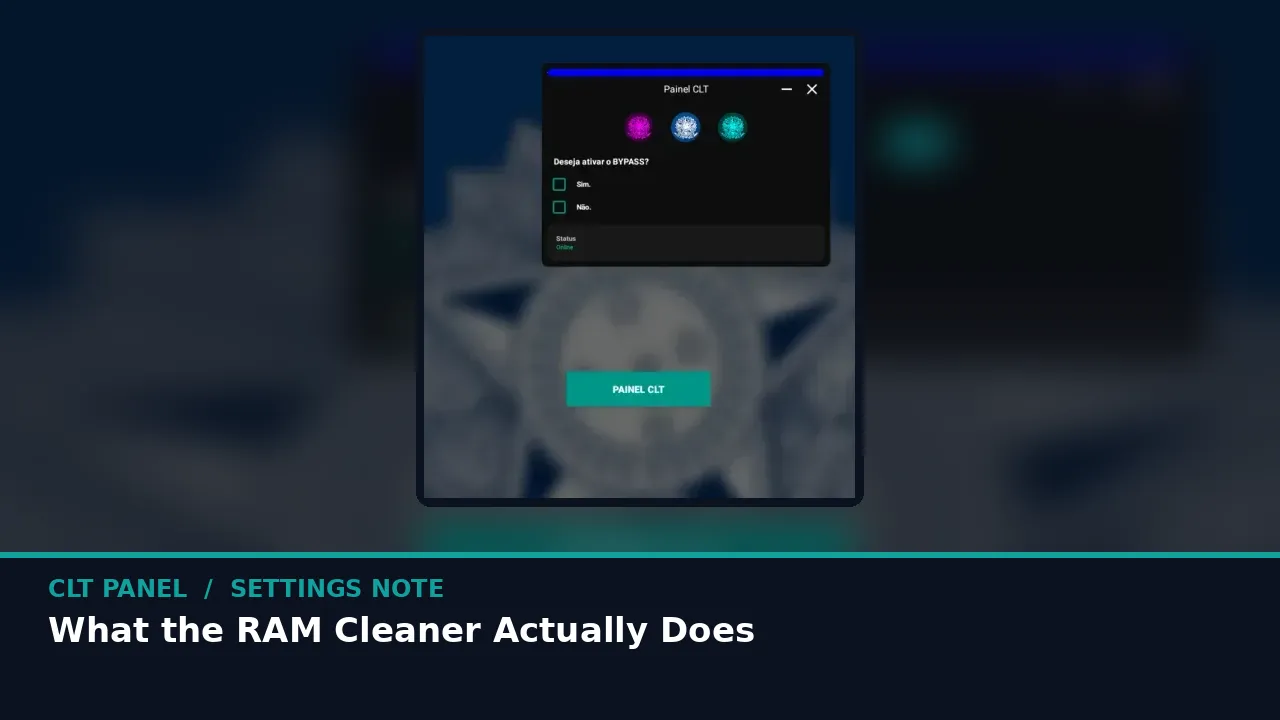 Guide What the CLT Panel RAM Cleaner Actually Does No magic, just housekeeping: what the purge evicts, why Free Fire cares, and when to run it for the most good. Read guide →
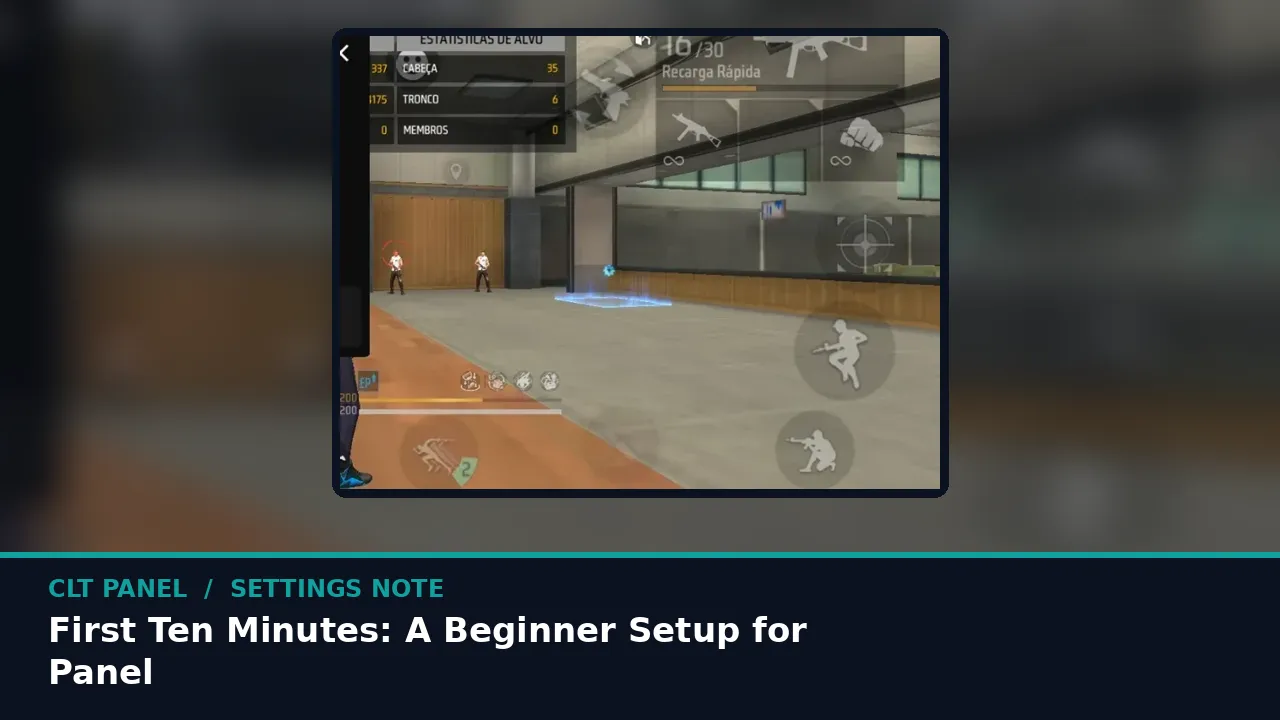 Guide First Ten Minutes: A Beginner Setup for CLT Panel New to the panel? This exact first session, in order, takes you from install to a tuned training ground in about ten minutes. Read guide →
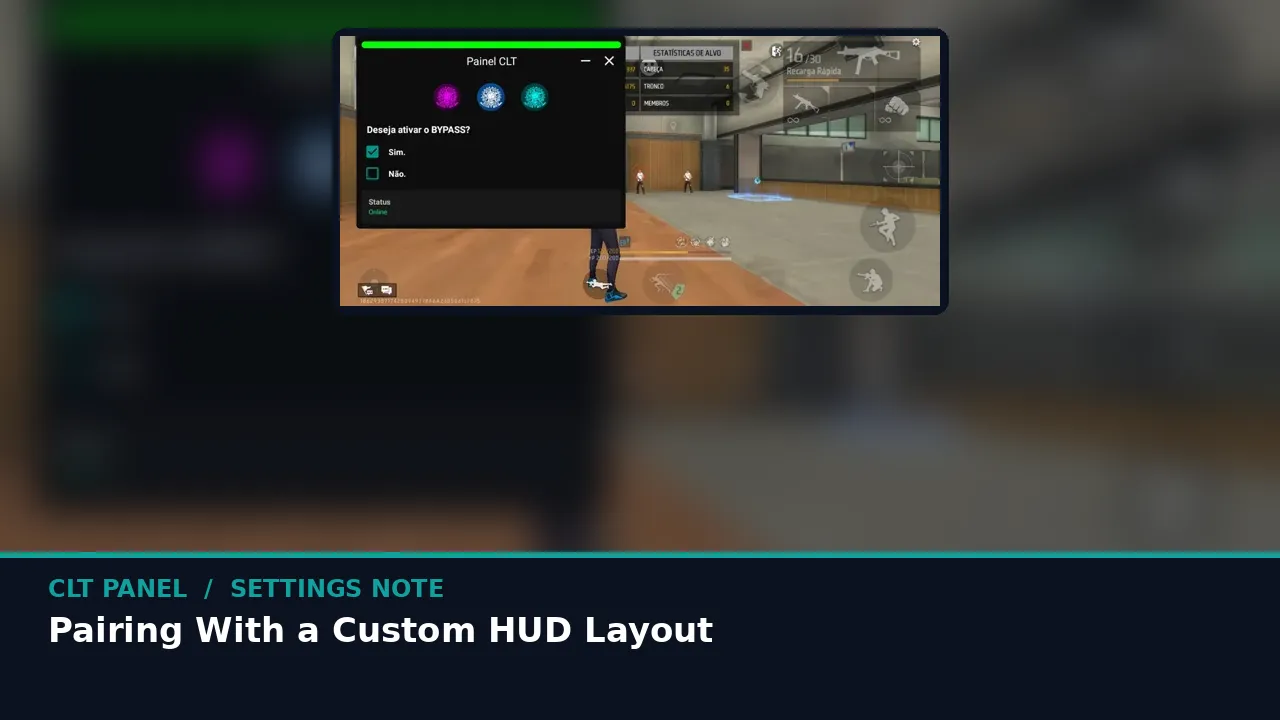 Guide Pairing CLT Panel With a Custom HUD Layout Sensitivity is only half of control. How to arrange your Free Fire HUD so the panel tuning and your buttons stop arguing. Read guide →
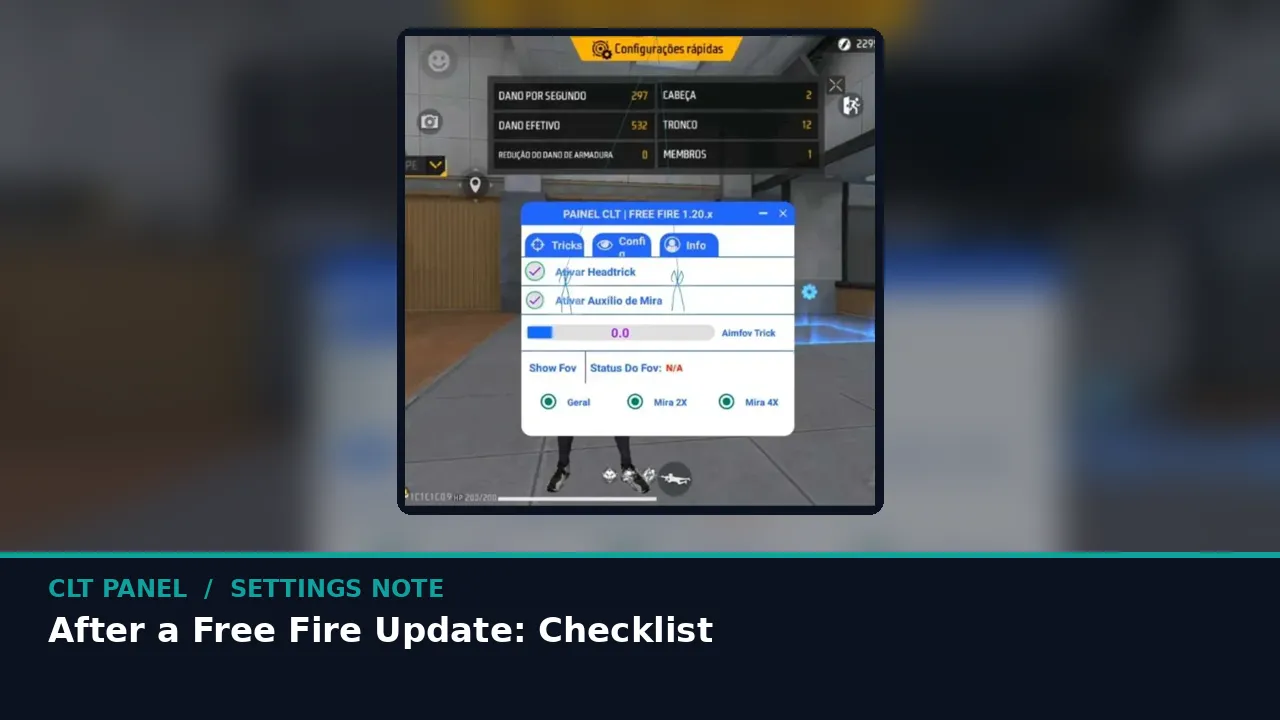 Guide CLT Panel After a Free Fire Update: Checklist Game updates shift input feel and occasionally permissions. Work this short checklist before your first ranked session on a new build. Read guide →
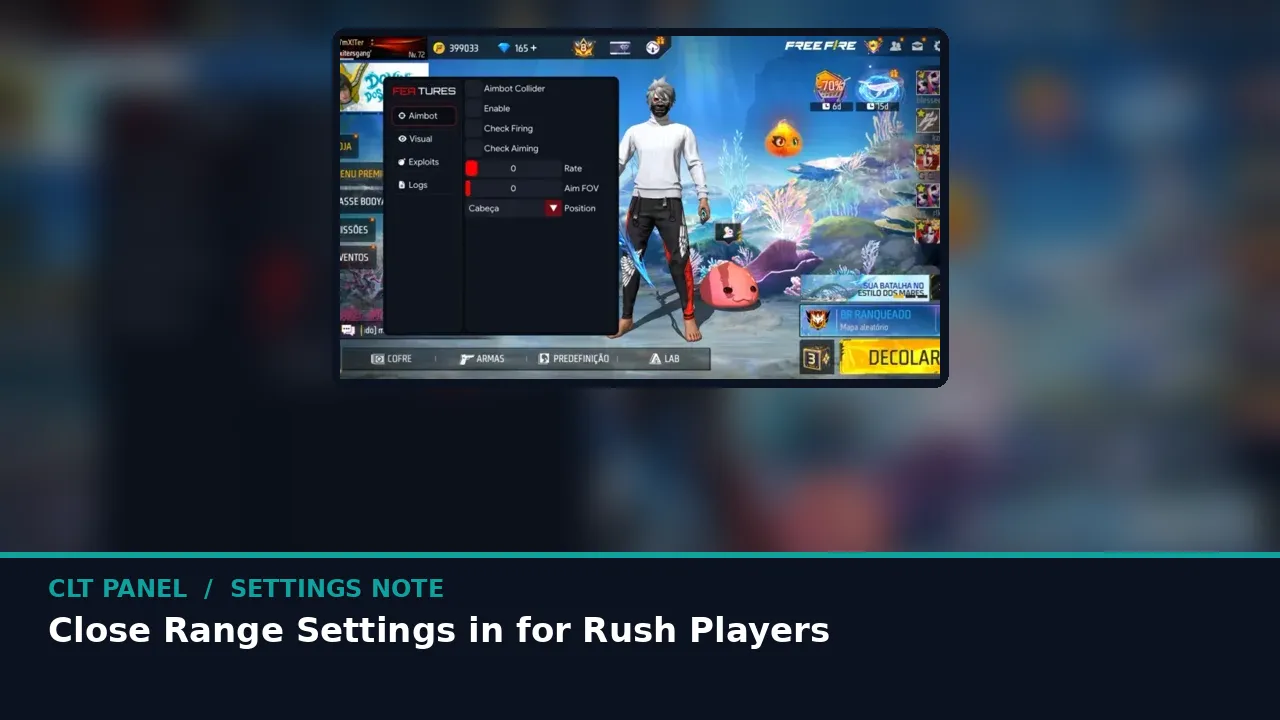 Guide Close Range Settings in CLT Panel for Rush Players Shotguns and rushes live or die on turn speed. A close range tune that keeps drags fast without turning your aim into a ceiling fan. Read guide →
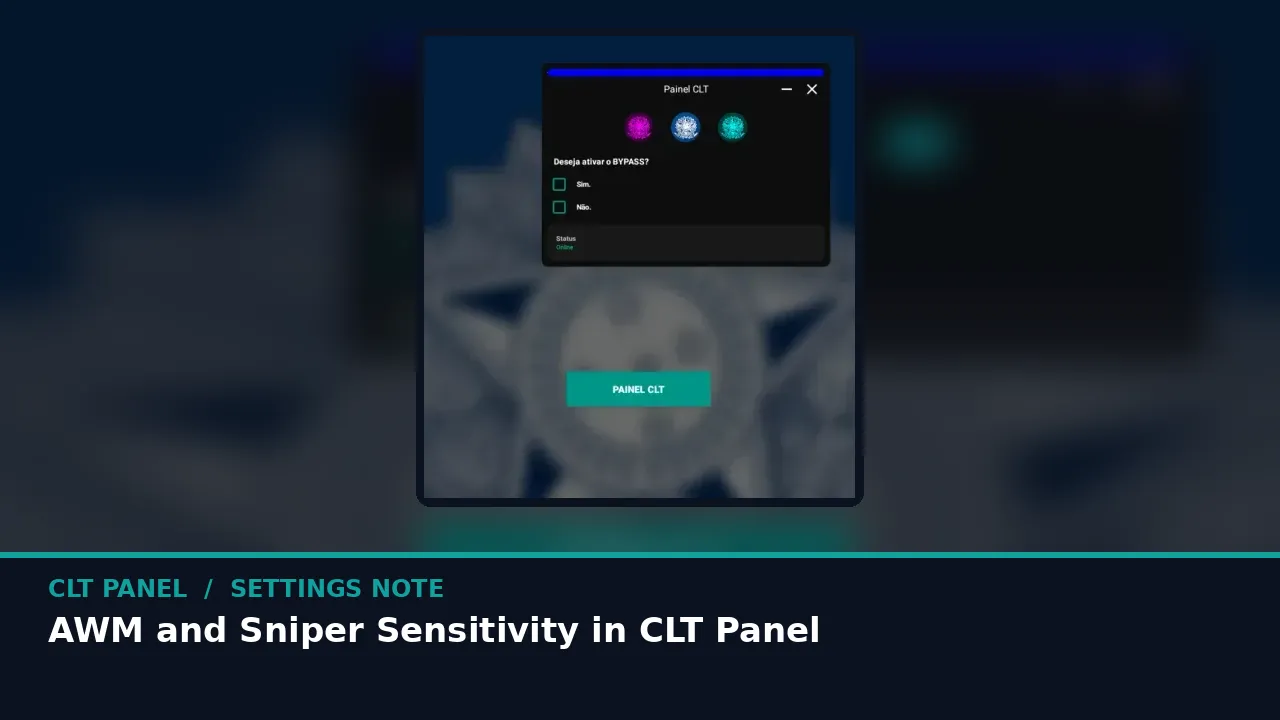 Guide AWM and Sniper Sensitivity in CLT Panel Long range asks for the opposite of rush: patience you can steer. Setting the AWM family and 4x scope for shots that land first time. Read guide →
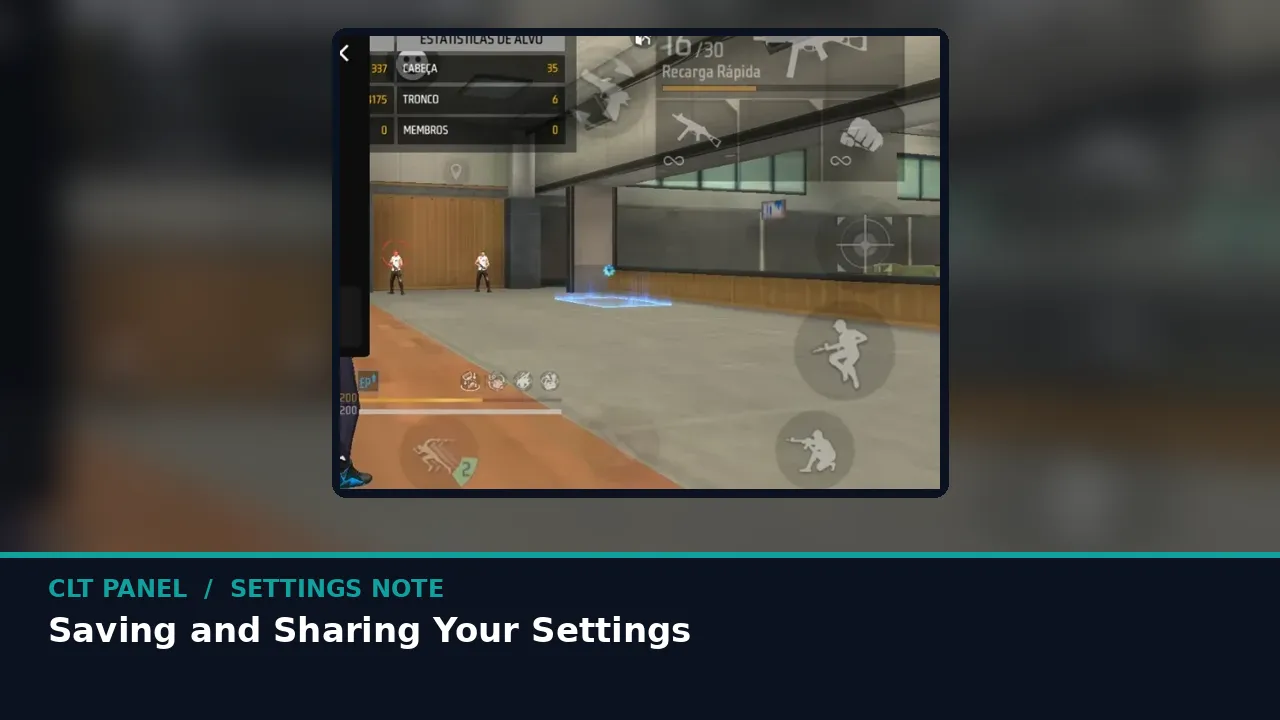 Guide Saving and Sharing Your CLT Panel Settings Your tuned numbers are hard won. How to record them properly, share them with your squad, and rebuild them on a new phone in minutes. Read guide →