Guide
How CLT Panel Auto Calibration Reads Your Phone
Inside the one tap preset: what the panel measures, what it sets, and where your hand should still overrule the machine.

PANEL MAP On this page
Inside the one tap preset: what the panel measures, what it sets, and where your hand should still overrule the machine. It all starts from the panel itself, so if you are setting up fresh, begin at CLT Panel Free Fire and keep this note open beside the game.
What the panel reads
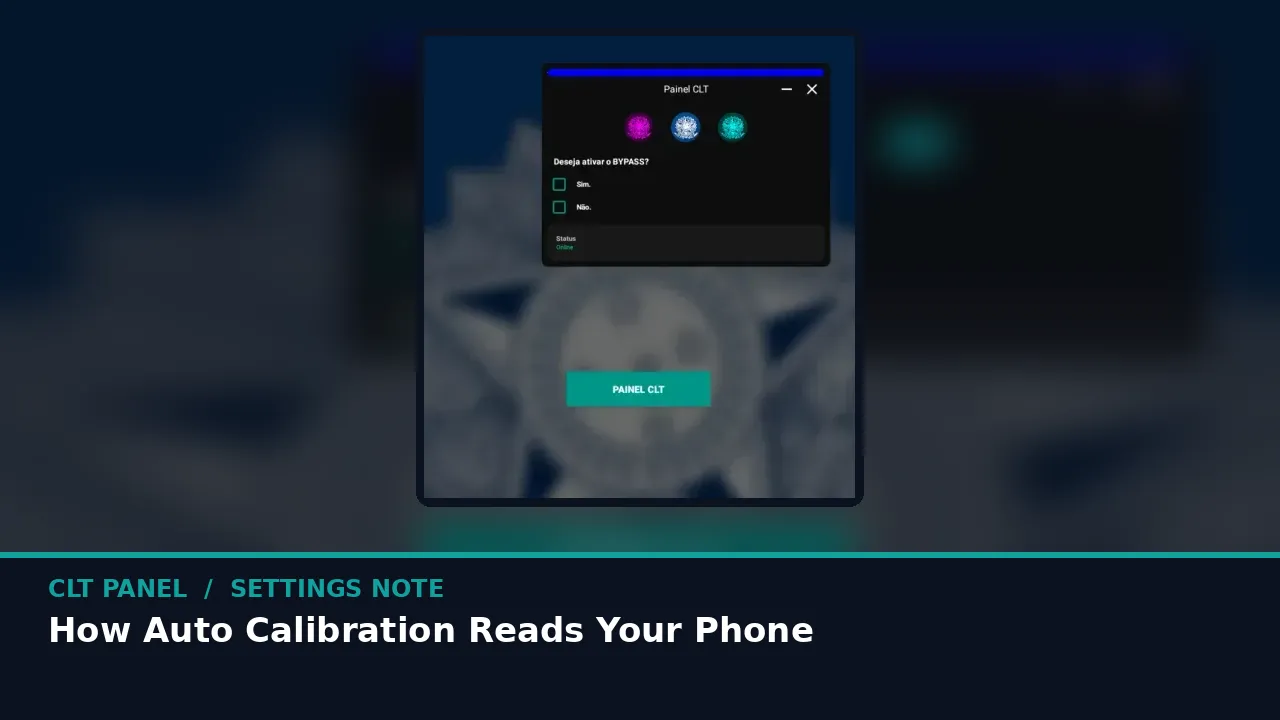
Auto calibration looks at the hardware facts that shape touch feel: how much RAM you have, what your processor can sustain, and your display basics. From those it builds a preset that suits a phone like yours instead of a flagship from a screenshot.
The companion note on fix free fire lag with clt panel performance tools covers the neighbouring half of this job, and the two together make a complete setup session.
What it sets for you
Sensitivity families get sensible starting values, touch response is trimmed, and performance options are matched to your memory headroom. Nothing exotic happens; it is the same deck, pre tuned.
When you are ready to go deeper, clt panel on budget phones: a 2 gb ram setup picks up exactly where this page leaves off.
Where you should still overrule it
Your grip, thumb size and screen protector are invisible to any scanner. Treat the preset as a strong first draft, then apply the two match rule to one family at a time until it feels like yours.
Settings are personal and phones differ, so treat every number here as a well tested starting line. Change one thing, play two matches, and let your own thumb cast the deciding vote.
Quick Answers
Is auto calibration enough on its own?
For many players, nearly. A short personal pass over general sensitivity usually finishes the job.
Does calibration run every launch?
No. It runs when you tap it, and the result saves into your profile until you change or reset it.
What if the preset feels worse?
Reset, then tune by hand from stock. The preset is a helper, not a verdict.