The panel, ready when the timer ends
Download CLT Panel
This is the CLT Panel app for Android: sensitivity, DPI and touch tuning for Free Fire and Free Fire MAX in one floating panel. One short countdown, then the button is yours.
- File
- CLT Panel APK
- Target game
- Free Fire and Free Fire MAX
- Platform
- Android
- Root
- Not required
- Cost
- Free
Your download button arrives in
6
APK Details
- App name
- CLT Panel
- Target game
- Free Fire and Free Fire MAX
- Category
- Gaming Tools
- Requires Android
- 5.0 and up
- Root access
- Not required
- Price
- Free
Before you tap
About This Download
This page carries the CLT Panel APK for Android: the full panel with the sensitivity manager, hardware auto calibration, DPI and resolution switcher, touch calibration, RAM purge and one tap reset. It works with Free Fire and Free Fire MAX and needs no root at any point.
The button stays hidden while the six second countdown runs, so the file never starts by accident. When it appears, one tap is all it takes. If you are fetching on a computer instead, copy the file to your phone afterwards and install it there.
Three calm steps
Install From Here
- Wait for the button, then tap it. Let the file finish downloading completely; a partial file is the most common reason an install refuses to start.
- Allow and install. Tap the file and allow your browser to install apps when Android asks. Confirm, and the panel icon lands in your drawer.
- Open, permit, calibrate. Grant the display over other apps permission, run auto calibration for a preset matched to your phone, and launch Free Fire from the panel.
First time with the panel? Spend your first session in the training ground, dragging at the targets at ten, twenty and forty metres. Ten honest minutes there tells you more about your new sensitivity than a week of ranked guessing.
Download FAQs
How long does the CLT Panel download take?+
The countdown on this page is six seconds. After that the button appears and the file itself comes down as fast as your connection allows.
Why is the download button hidden at first?+
The short timer keeps the download deliberate. The button appears the moment the countdown reaches zero, in the same reserved space, so nothing on the page jumps around.
Does CLT Panel work on my phone?+
If your phone runs Android 5.0 or newer and plays Free Fire or Free Fire MAX, the panel runs on it. It was built with budget and mid range phones in mind.
Do I need root to install CLT Panel?+
No root is needed for the install or for any feature inside the panel. A standard Android phone is all it asks for.
What permission does CLT Panel ask for?+
It asks for display over other apps, so the panel window can float above the game while you play. Android shows you the toggle during first setup.
Can I remove CLT Panel settings later?+
Yes. The one tap reset inside the panel restores your original sensitivity and display settings, and uninstalling the app removes it completely.
Is the CLT Panel download free?+
Yes, completely free. The panel and every tool inside it cost nothing.
Curious how every build gets checked before it lands here? Read how we review APKs.
Suggested Guides
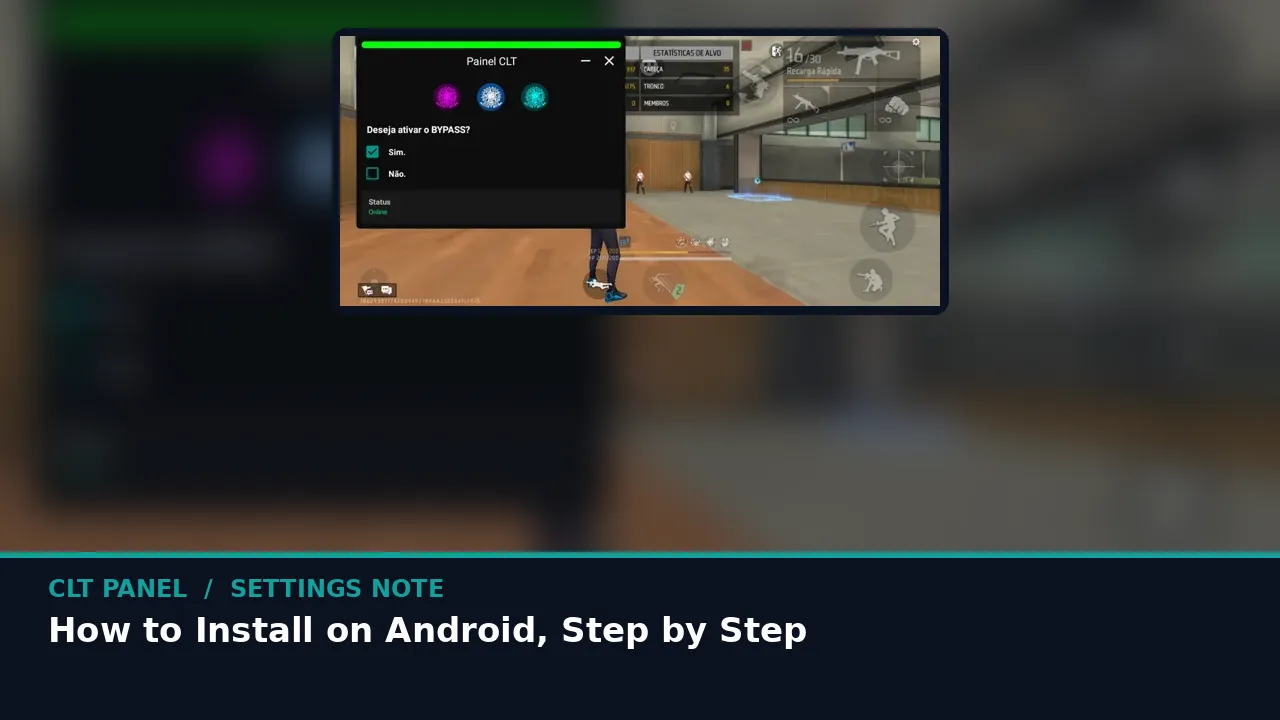 Guide How to Install CLT Panel on Android, Step by Step The calm way to install the the panel APK: fetch the file, allow the install, grant the display permission and reach your first calibration in minutes. Read guide →
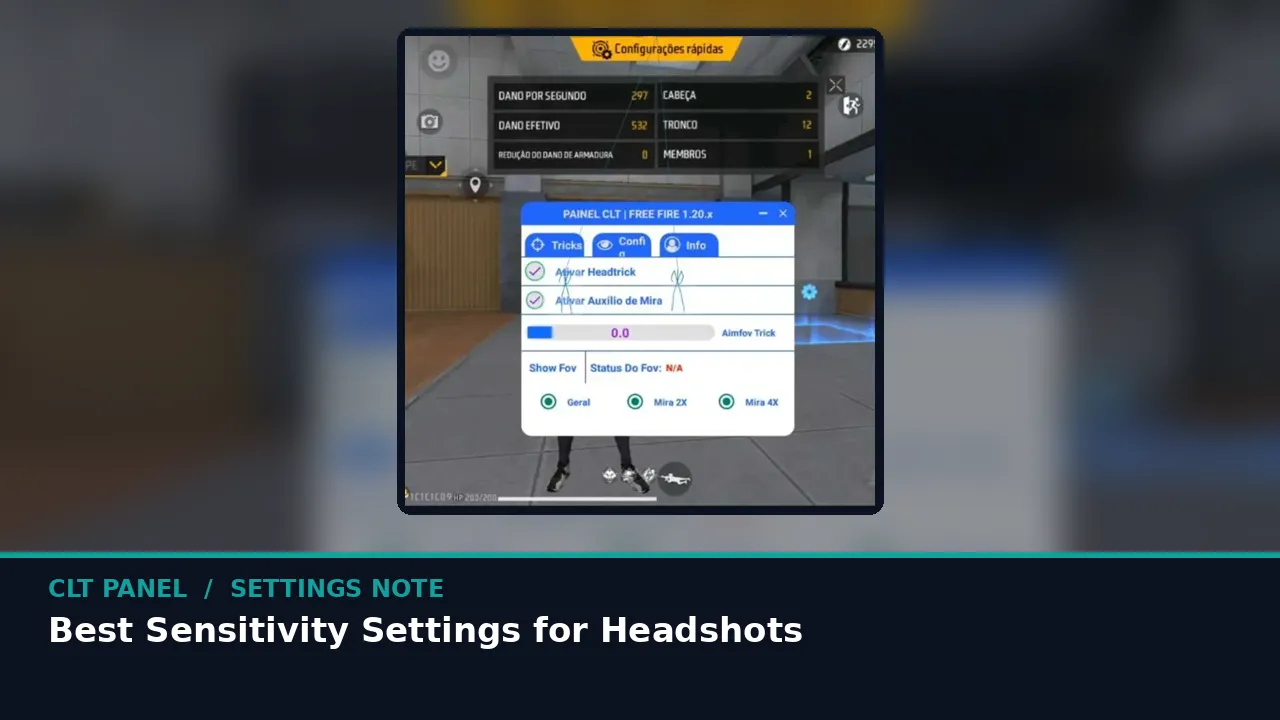 Guide Best CLT Panel Sensitivity Settings for Headshots How to walk the five sensitivity families in the panel until your drag stops at head height, with a training ground routine that actually sticks. Read guide →
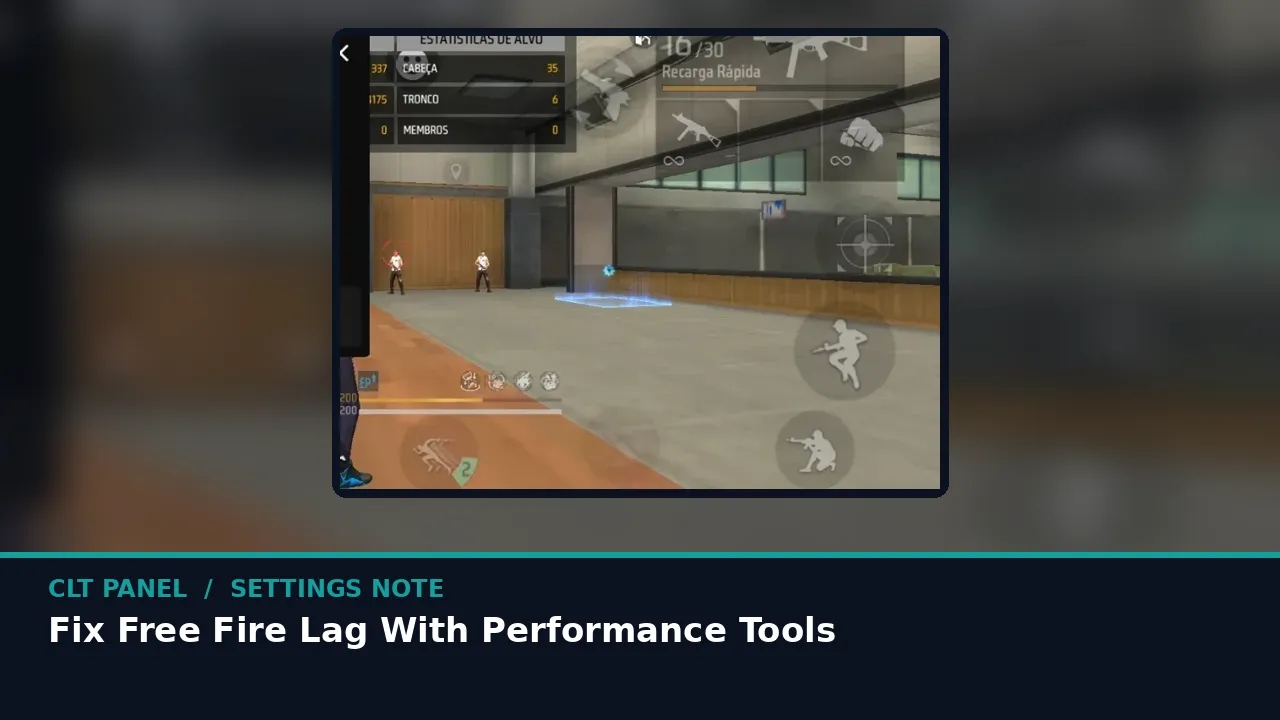 Guide Fix Free Fire Lag With CLT Panel Performance Tools The device side of lag, fixed in order: RAM purge, cache, heat and frame balance, using the performance side of the panel. Read guide →
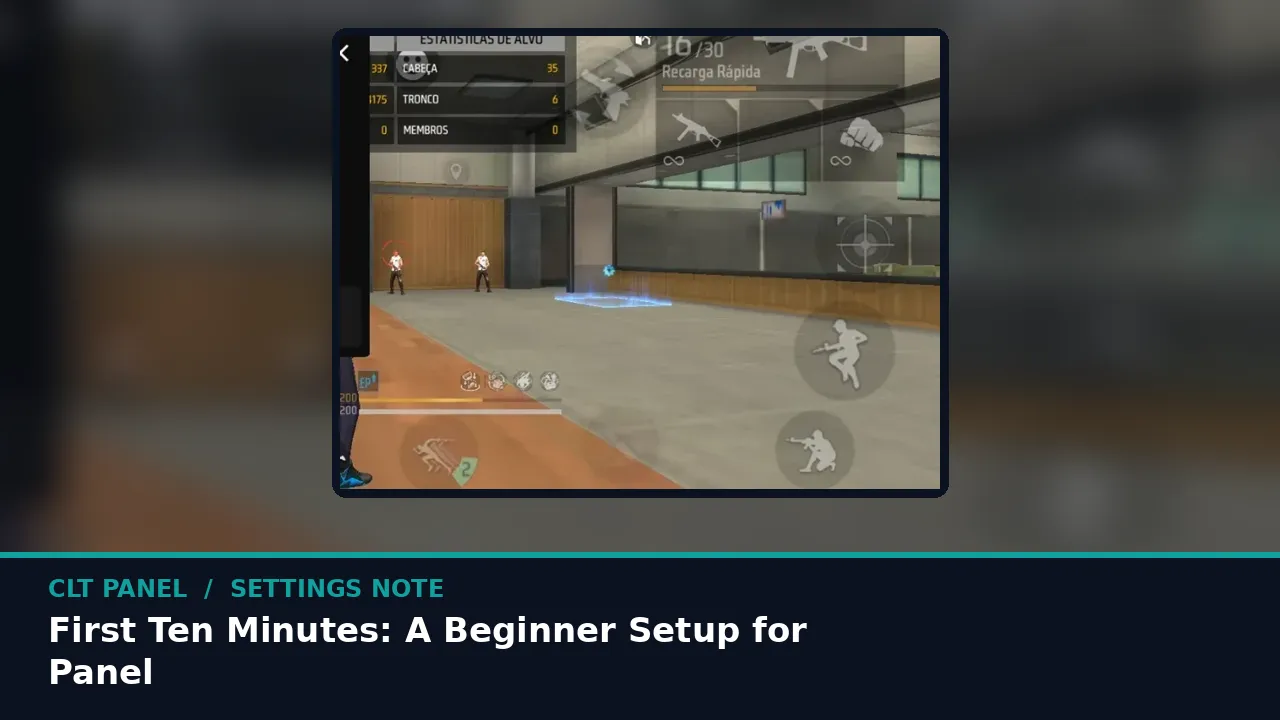 Guide First Ten Minutes: A Beginner Setup for CLT Panel New to the panel? This exact first session, in order, takes you from install to a tuned training ground in about ten minutes. Read guide →