Guide
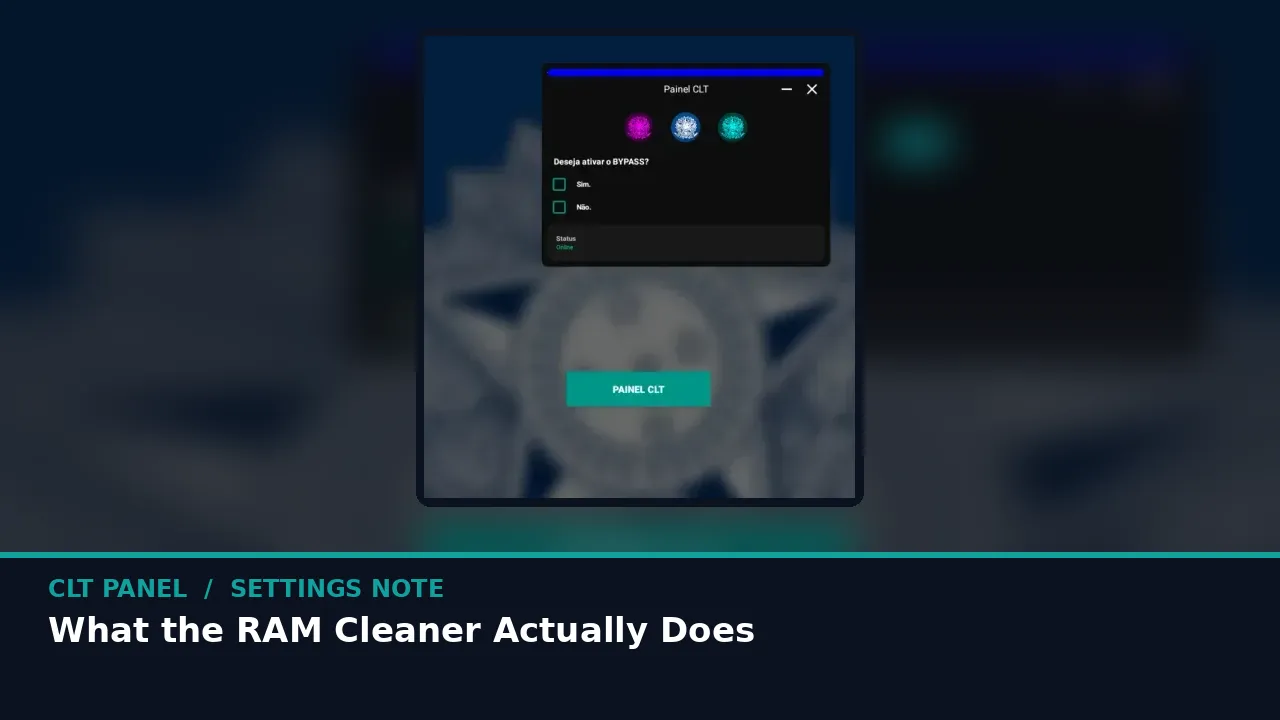
What the CLT Panel RAM Cleaner Actually Does
No magic, just housekeeping: what the purge evicts, why Free Fire cares, and when to run it for the most good.
PANEL MAP On this page
No magic, just housekeeping: what the purge evicts, why Free Fire cares, and when to run it for the most good. It all starts from the panel itself, so if you are setting up fresh, begin at CLT Panel Free Fire and keep this note open beside the game.
What gets evicted
Background apps that are sitting in memory doing nothing for you: social feeds, browsers with twenty tabs, yesterday's shopping app. The purge asks Android to let them go so the game can stretch out.
The companion note on first ten minutes: a beginner setup for clt panel covers the neighbouring half of this job, and the two together make a complete setup session.
Why the game cares
Free Fire loads textures and audio as the match flows. When memory is tight, Android pauses the game to reclaim space, and you feel it as a hitch at the worst moment. A clean launch makes those hitches rare.
When you are ready to go deeper, awm and sniper sensitivity in clt panel picks up exactly where this page leaves off.
Timing it right
Run the cleaner as the last step before launching, from inside the panel. Running it an hour early just invites the background to refill before you play.
Settings are personal and phones differ, so treat every number here as a well tested starting line. Change one thing, play two matches, and let your own thumb cast the deciding vote.
Quick Answers
Will it close my chat apps permanently?
No. It evicts them from memory; they reopen normally when you tap them, with your chats intact.
How is this different from a booster app?
It is one focused tool inside the panel you already use for settings, run at the one moment it helps.
Can I purge too often?
Pointlessly, yes. Once per session is the useful rhythm.